No audio upload
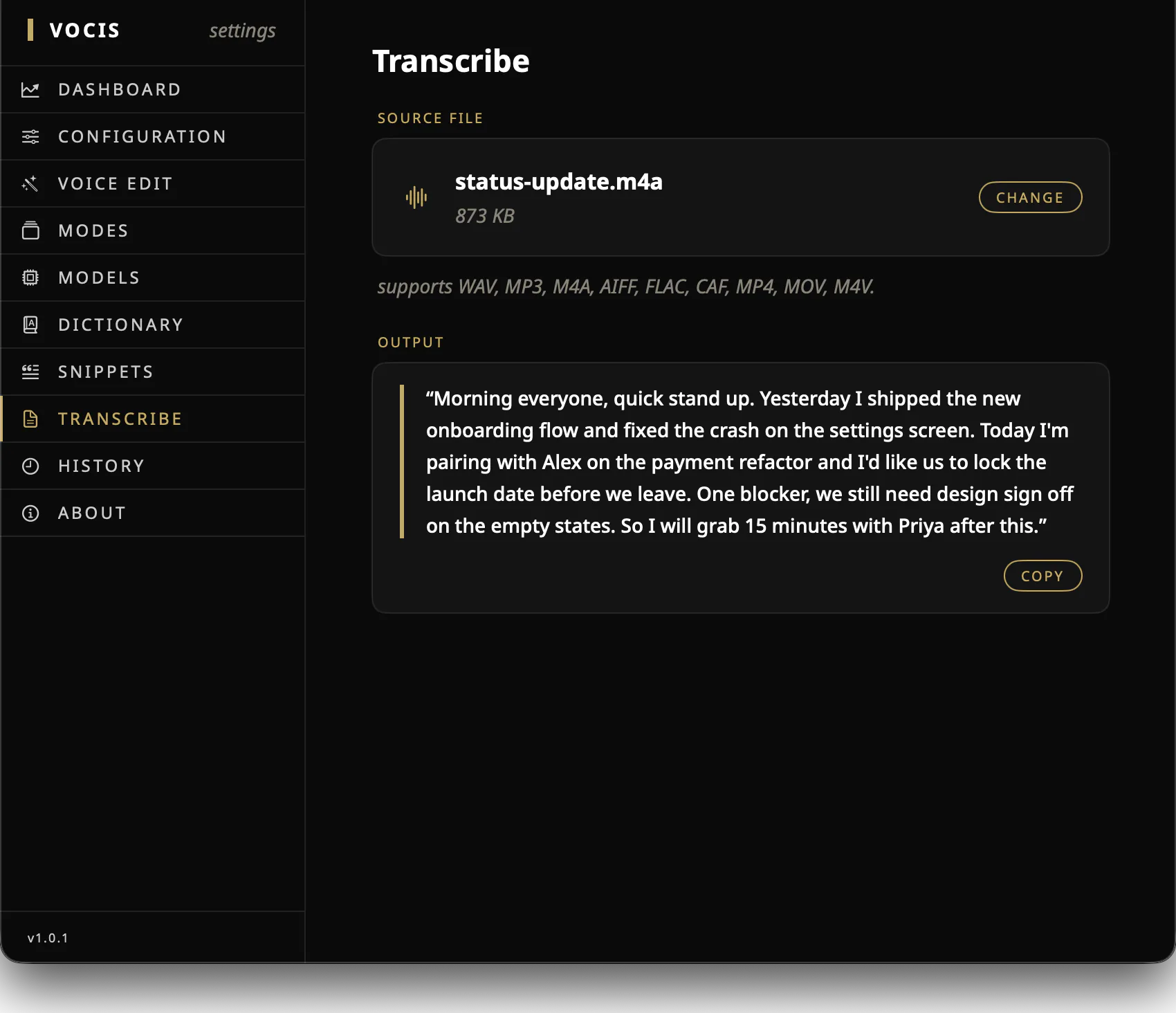
Vocis records a temporary local audio file, transcribes it on-device, and removes the recording after transcription completes or is cancelled.
Offline voice-to-text for Mac
Vocis turns speech into text on your Mac, not on a transcription server. Download a speech model once, then dictate without an account or internet connection.
One voice · one local path
Voice and writing stay inside this boundary
Yes. Once your chosen models are downloaded, Vocis can dictate and rewrite entirely offline.
Why local matters
Dictation often begins before an idea is polished: a private message, an unfinished argument, a customer detail, or a line of code spoken out loud. Local processing keeps that work on the computer where it began.
Vocis records a temporary local audio file, transcribes it on-device, and removes the recording after transcription completes or is cancelled.
Your transcript is produced by the speech model stored on your Mac. It is not sent to a hosted speech-to-text API.
If you install the optional language model, Tidy, Email, Custom modes, and Voice Edit also run locally.
Vocis has no account system or telemetry. Optional transcript history and usage statistics remain in local app storage.
The offline workflow
The only preparation is choosing a speech model during setup. After that, the everyday voice-to-cursor path needs no connection.
Use the smaller English-only model or the multilingual model with support for 99 languages and automatic language detection.
Pick a global hotkey and choose Auto, Toggle, or Hold behavior so recording starts the way your hands expect.
Place the cursor in a writable field, use the shortcut, speak, and stop. Vocis inserts the result and leaves a copy on your clipboard.
The honest boundary
Vocis connects to download the speech and optional language models you choose, and to check for app updates. Those requests do not contain your recordings, transcripts, prompts, dictionary, or snippets.
Common questions
Yes. Vocis requires an Apple silicon Mac running macOS 15.2 or later.
Yes. Download the optional language model and transformations run locally. If that model is unavailable, Vocis returns the raw transcript so your words are not lost.
No. Optional history stores up to 100 recent text transcripts and timestamps. Temporary audio is removed after transcription completes or the recording is cancelled.
Private by architecture.